
How to Download GS Auto Clicker Safely (Step-by-Step)
Where the genuine installer lives, what it should look like, and the checks that keep repackaged copies off your PC.
Read guidePractical, step-by-step articles covering download, installation, settings, click recording, hotkeys, troubleshooting and safety. Start at the top if you are new, or jump straight to the problem you need to solve.
Where the genuine installer lives, what it should look like, and the checks that keep repackaged copies off your PC.
Read guide
Every screen of the installer, the Windows prompts you will see, and how to update or uninstall later.
Read guide
Your first click job from start to stop, with every main option explained in plain words.
Read guide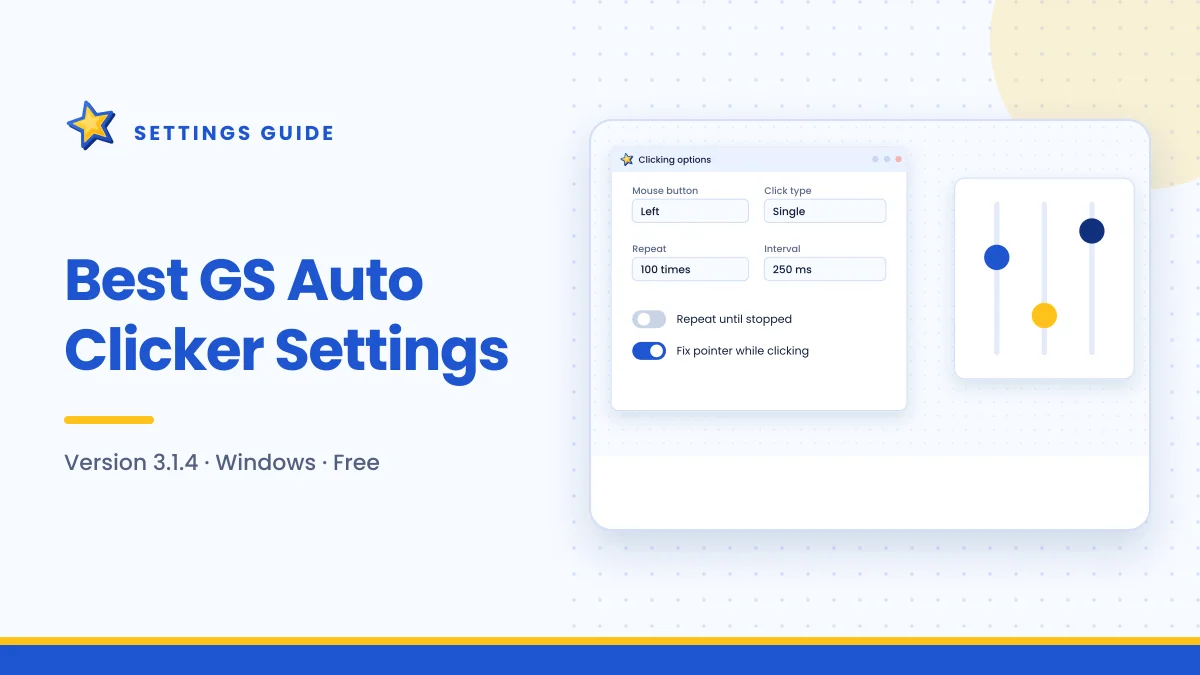
Tested starting values for interval and repeat mode, and a four-step method to tune any task.
Read guide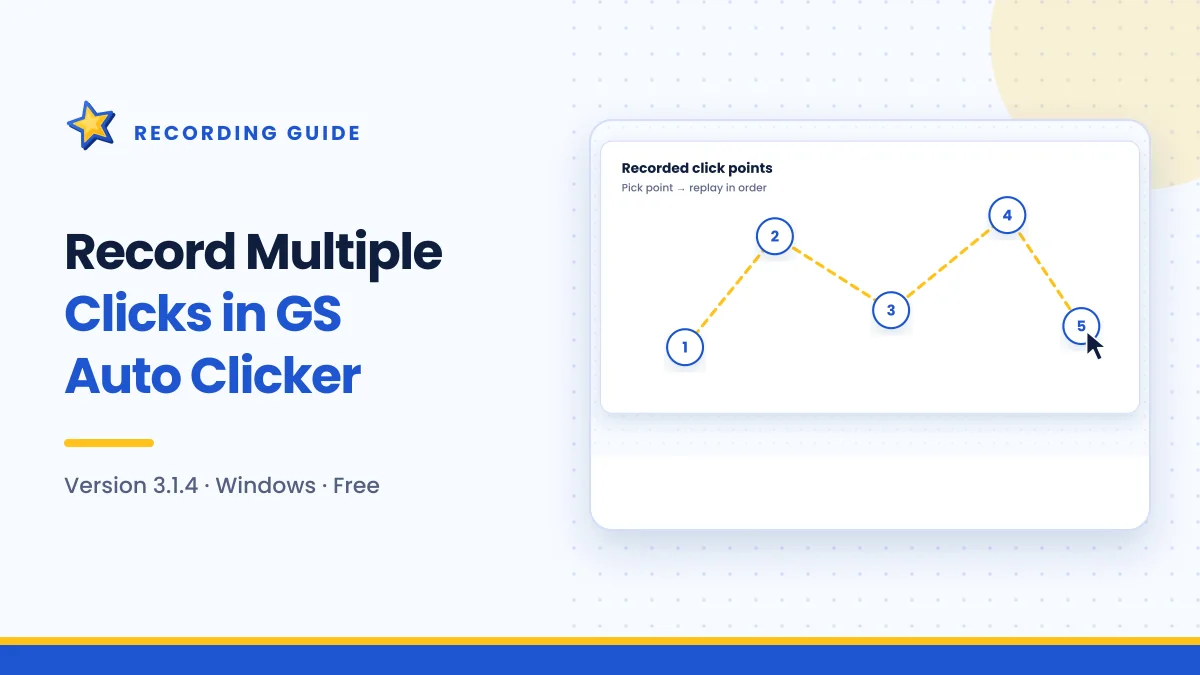
Build a click sequence with Pick point, choose the right interval and keep recorded points accurate.
Read guide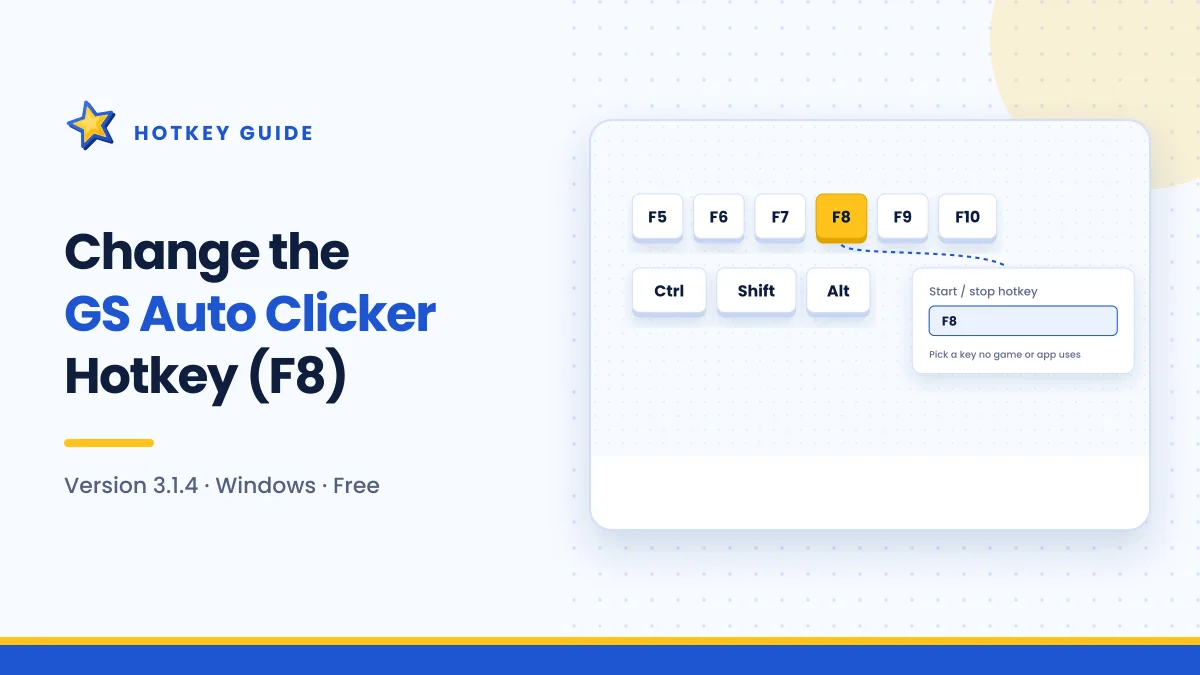
Swap F8 for a key that never clashes, and fix a hotkey that suddenly stops responding.
Read guide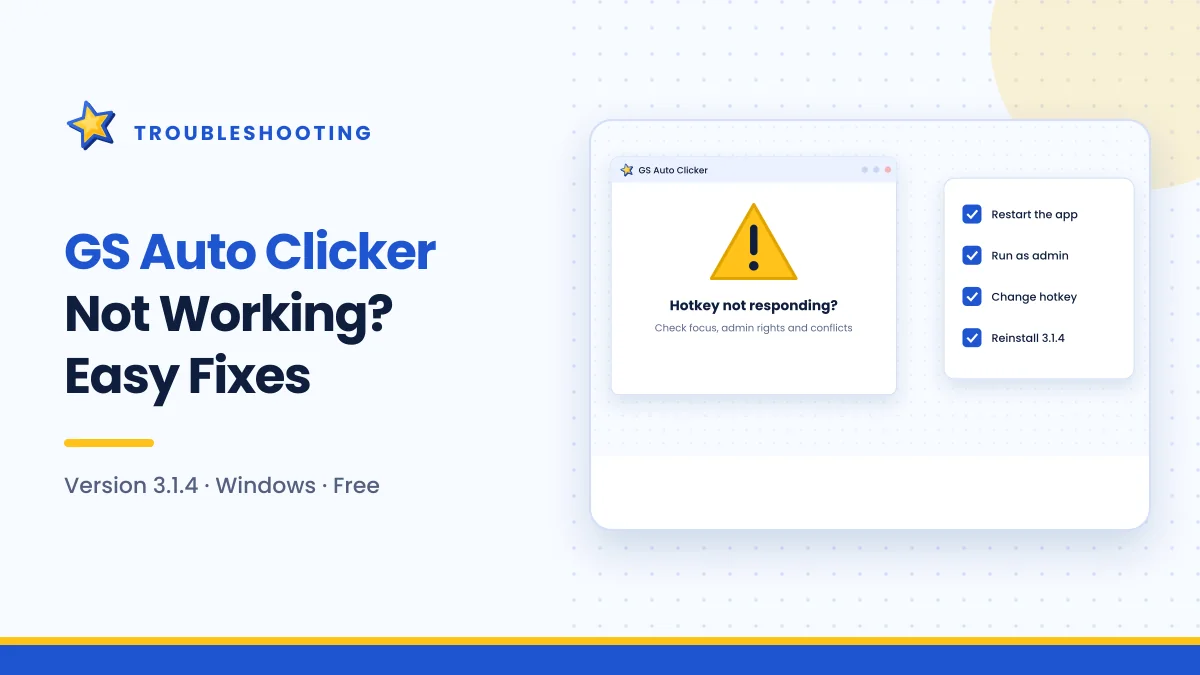
Symptom-by-symptom fixes for hotkeys, games, missed clicks, stuck jobs and startup problems.
Read guide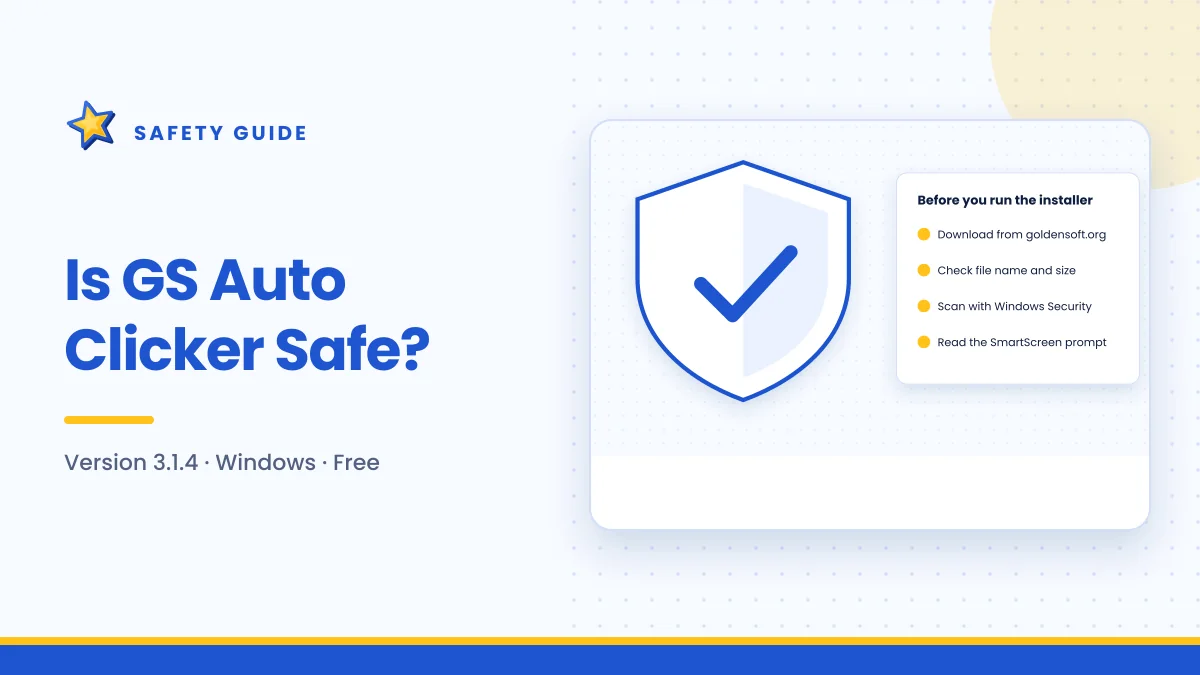
What the program does on your PC, why antivirus tools sometimes flag clickers, and how to stay safe.
Read guide